
ChatGPT Custom Instructions vs Claude User Preferences: Which Keeps Your Writing Consistent?
Both ChatGPT and Claude now let you set standing preferences so new chats start with your tone, format, and rules already loaded, but they package the feature differently. This comparison sets out the criteria that matter for writing consistency — where preferences live, whether they can be edited as text, and how much setup they demand — and says which tool suits which kind of writer.
 admin
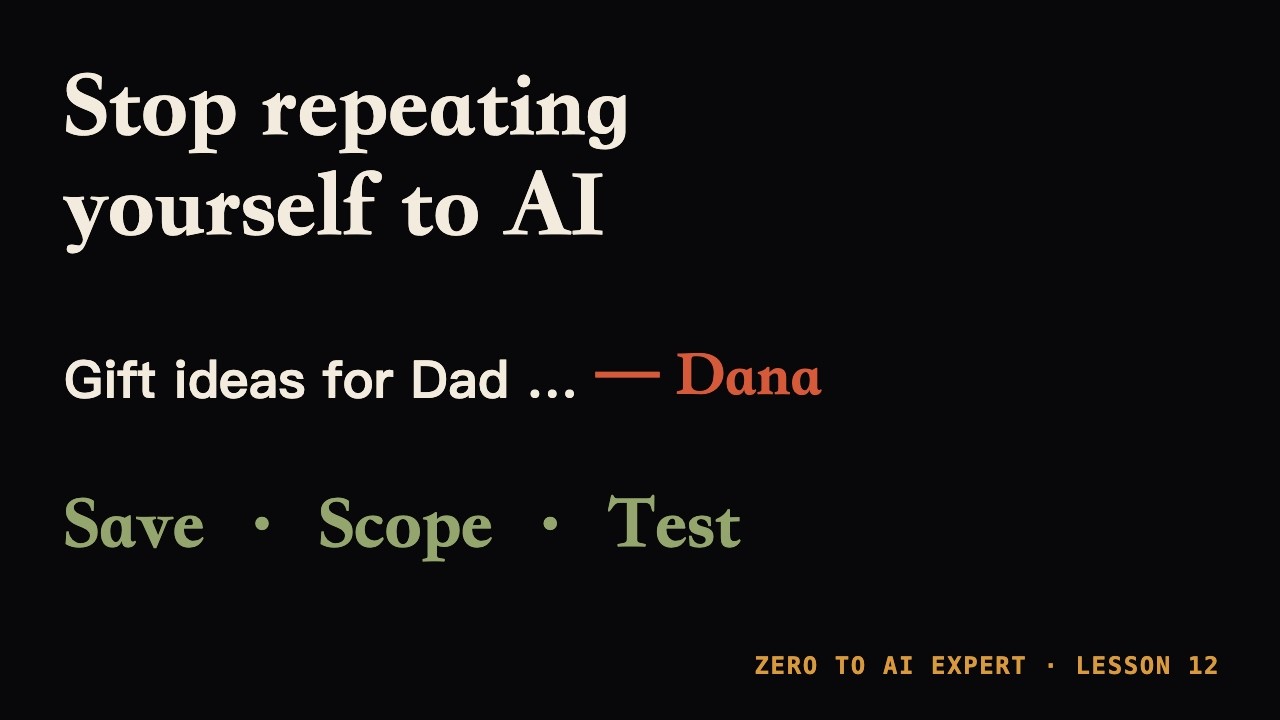
Anyone who writes with an AI assistant for long enough hits the same wall: every new conversation starts from zero. You explain the tone, the sentence length, the format, the words to avoid, and then the draft still reads like generic machine output. Both OpenAI's ChatGPT and Anthropic's Claude now address this with a standing preferences layer, but they implement it differently enough that the choice matters for anyone who cares about consistency across many sessions.
The criteria that matter
For writing consistency, three things decide whether a preferences feature actually helps: whether your rules persist into new conversations without being retyped, whether you can see and edit them as plain text, and how much setup work is required before they produce a stable voice. A fourth factor matters for teams — whether the preferences travel with a project or stay attached to your account. The available evidence does not cover every one of these points for both products, and where it is silent, this article says so rather than guessing.
ChatGPT: instructions plus memory
ChatGPT approaches consistency through several overlapping mechanisms. According to Gadgets Now, the assistant relies on Memory, Custom Instructions and Projects to adapt to how an individual writes ¹. The practical implication is that ChatGPT spreads the job across more than one setting: Custom Instructions hold the rules you state explicitly, Memory accumulates context over time, and Projects group work so related chats share a frame. For a writer, that means consistency can come from written rules and from accumulated context, but it also means there is more than one place to check when the output drifts. The source describes these features at a general level and does not publish exact character limits, menu paths, or version availability, so those specifics could not be confirmed here.
Claude: preferences as editable text
Claude's model is closer to a single written document. The undated Uniflow guide frames the concept around a file called CLAUDE.md in developer settings, and notes that the same idea is available in the browser through each platform's own version of custom instructions ². Gadgets Now separately describes Claude as offering custom Styles that can be built from a user's own writing samples. Taken together, the two sources point to a preferences layer that is text-first and can be grounded in examples of your actual prose rather than only in descriptions of it. That is an advantage for writers who can point at a sample and say "like this" more easily than they can articulate rules. The sources do not confirm how many samples a Style accepts or whether Styles and custom instructions are the same setting, so treat that as unresolved.
Where each one fits
| Criterion | ChatGPT | Claude |
|---|---|---|
| Where preferences live | Custom Instructions, Memory, Projects | Custom instructions text; Styles built from writing samples |
| Editable as plain text | Custom Instructions are text-based, but memory adds context you did not write | Text-first, with a developer-style file concept |
| Setup effort | Rules plus accumulated memory | Rules plus optional sample-based Styles |
| Best fit | Writers who want context to build up over time | Writers who can supply samples and want explicit, inspectable rules |
The honest conclusion is that neither wins universally. A writer who produces a steady stream of related work and benefits from the assistant remembering prior context is better served by ChatGPT's combination of instructions, memory, and projects. A writer with a distinctive voice and a folder of past pieces to demonstrate it is better served by Claude's sample-driven Styles and text-based preferences, which are easier to audit and rewrite when the voice shifts.
Two caveats belong in any buying decision. First, both products change frequently, and the sources here are dated 2026 and describe features at a general level; exact menus, limits, and plan availability should be checked in the product itself before you commit a workflow to them. Second, standing preferences are not a substitute for a strong prompt on a specific task — they set the baseline voice, not the brief. If your real problem is keeping a team's documents consistent rather than your own prose, the project-level comparison in Claude Projects vs ChatGPT Projects is the more relevant read.
Sources
- ¹ ChatGPT vs Claude: How AI Assistants Are Learning Your Writing Style? - - Gadgets Now gadgetsnow.indiatimes.com
- ² Does Grok Have Custom Instructions? Yes — Setup Guide vs ChatGPT & Claude www.uniflow.kr