Smartphone Storage Tiers That Age Well: Picking Capacity for Years, Not Weeks
Storage is the one smartphone spec you cannot upgrade later, so the tier you buy at checkout decides how the phone feels in year three. This guide explains how much of a labeled capacity you actually get, how 128GB, 256GB, and 512GB tiers behave over a typical ownership cycle, and when paying for extra space is genuinely cheaper than managing without it.
 admin
admin
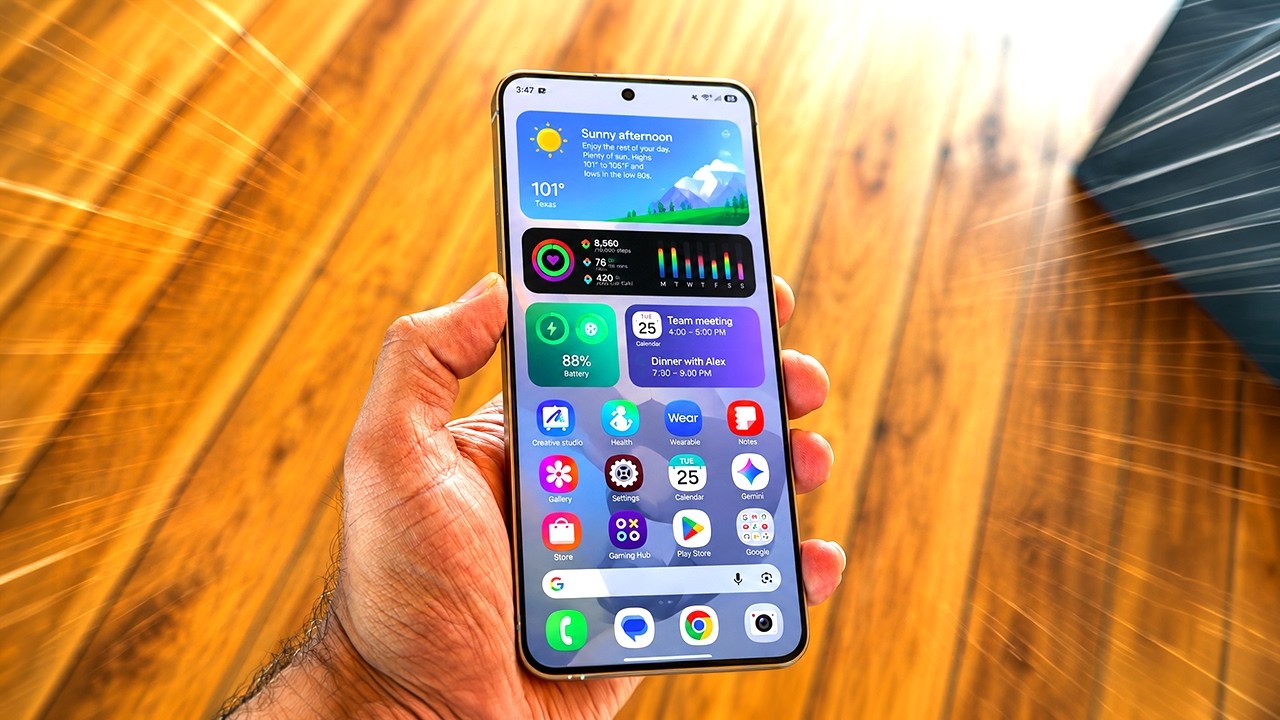
Storage is the one smartphone spec that gets worse with time and cannot be fixed with a trip to a repair shop. A tired battery can be swapped, and there is a sensible case for doing that rather than replacing the whole handset — see our look at Phone battery health. Capacity is different. On iPhones the storage chips are soldered to the board, and most flagship Android phones have dropped the microSD slot, so the number you pick at checkout is the number the phone dies with. That turns the 128GB versus 256GB question into something closer to a four-year commitment than a launch-week detail.
The label problem
The capacity on the box is not the capacity you get to fill. A used-phone storage guide published by Swappa explains the two deductions: storage is marketed in decimal units while the operating system reports binary ones, which alone accounts for roughly 7 percent, and then the platform takes its own cut. On newer iPhones running on-device AI features, iOS and its bundled components can occupy around 18GB, and Android's footprint is in a similar range, with Google requiring at least 32GB just to run the OS comfortably ¹. In practice, a phone sold as 128GB usually leaves you with something closer to 105GB to 110GB.
The same rough arithmetic applied to bigger tiers suggests a 256GB model lands near 230GB of usable space and a 512GB model near 470GB. Those are estimates from scaling the system overhead, not measured figures, but they are close enough for planning purposes.
Where each tier ends up
The mistake buyers make is comparing tiers against today's usage instead of the usage they will have after several years of updates, photo libraries, and cached media.
128GB
For genuinely light use — calls, messaging, a handful of apps, casual snapshots — 128GB still works. For everyone else it is a countdown timer. DB Labs' iPhone storage buying guide, published in February 2026, states that 128GB fills up within two to three years for average users ². The direction of travel is one-way: operating system releases grow, apps grow, messaging apps hoard cached media, and photo libraries never shrink on their own. Cloud offloading and streaming help, but system updates need free space to stage before they install, and offline media cannot be offloaded at all. A full phone also makes you behave differently — deleting photos to make room for a video, skipping an update, or clearing apps you actually use.
256GB
This is the tier both buying guides converge on, and the reasoning holds up. It is enough headroom that a normal user rarely thinks about storage during a three-to-five-year hold, and it absorbs a few years of photo growth plus a modest game library without drama. The premium is also small relative to the phone: DB Labs puts the typical $100 step from 128GB to 256GB at under $3 a month across a three-year ownership cycle, which is a fair description of the math rather than a marketing claim. If you keep phones for a long time and do not shoot much video, 256GB is the low-regret choice.
512GB and up
The top tiers only pay off for specific habits: heavy 4K video capture, large installed game libraries, or a sizeable collection of offline media for flights and commutes — the same cases Swappa singles out when it recommends 512GB or higher . Anyone who regularly records long video clips, keeps entire series downloaded, or holds a phone for five years or more should look here. The 1TB tier remains a niche with a steep premium; it makes sense mainly for people who shoot professional-grade video on a phone or simply refuse to manage storage at all.
Buying for the last year
The useful framing is not "how much space do I need now" but "what will I do when I run out." If the honest answer is that you would delete photos, record shorter videos, or trade the phone in early, pay for capacity at purchase — an early trade-in costs far more than the tier upgrade did. If you stream everything, back up automatically, and rarely shoot video, a smaller tier is defensible, but treat it as a bet rather than a safe default.
That logic applies doubly to used phones. A two-year-old handset with 256GB is often a better long-term purchase than a new one with 128GB at a similar price, because the used phone's free space has already absorbed the worst of its system overhead and still has room to grow. Check battery condition alongside capacity, and remember that the space you decline at purchase is space you will never get back.
A simple rule survives all of this: if you plan to keep a phone for three years or more, buy one tier above what your current usage suggests. The cost is small and spread over the whole ownership period; the alternative is years of storage warnings at exactly the moments you want to take a photo.
Sources
- ¹ How Much Storage Do You Need on a Used Phone? swappa.com
- ² iPhone Storage Size Buying Guide (2026) | DB Labs dblabsapps.com